Use the Action Button
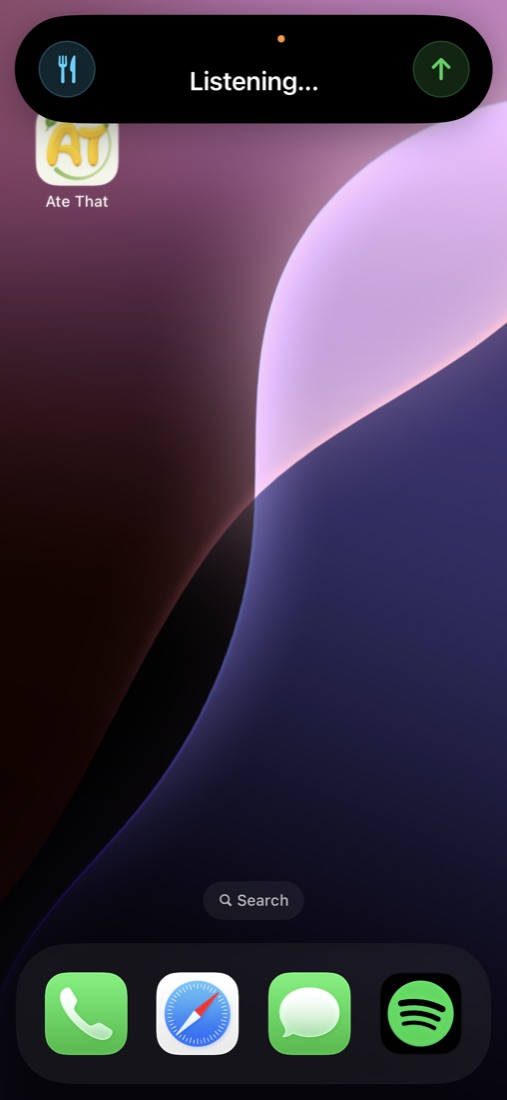
Hold the iPhone Action Button to start recording, say what you ate, then hold again to submit. Ate That shows progress in Live Activities and the Dynamic Island.

Push to eat
Log meals by voice from the Action Button, get approximate calories and macros, and keep a mindful food diary — without turning every meal into homework.
How it works
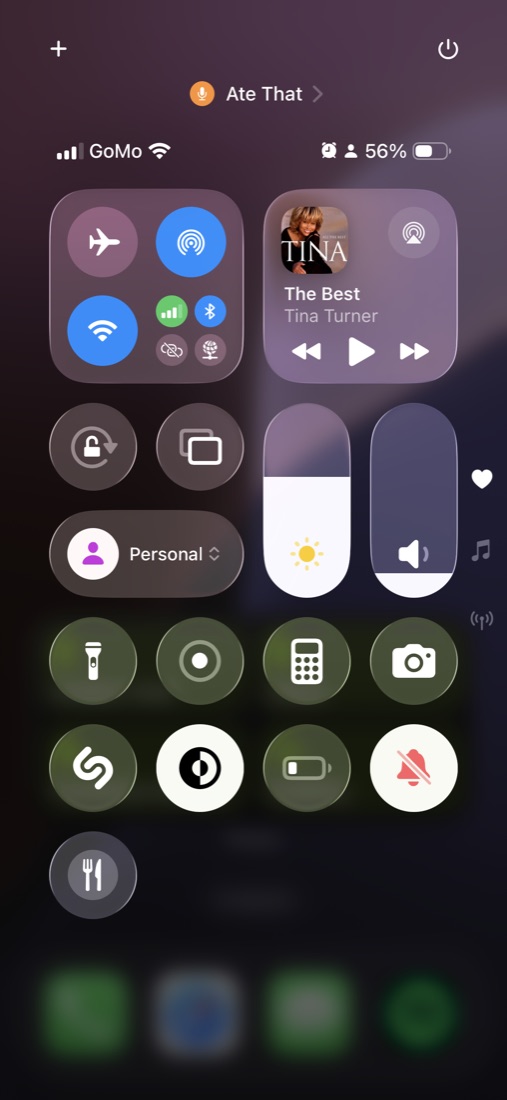
Built for the flow you actually want: log food the moment you think about it, even while using another app. Control Center works as a backup, and the app can log meals too.
Hold the iPhone Action Button to start recording, say what you ate, then hold again to submit. Ate That shows progress in Live Activities and the Dynamic Island.
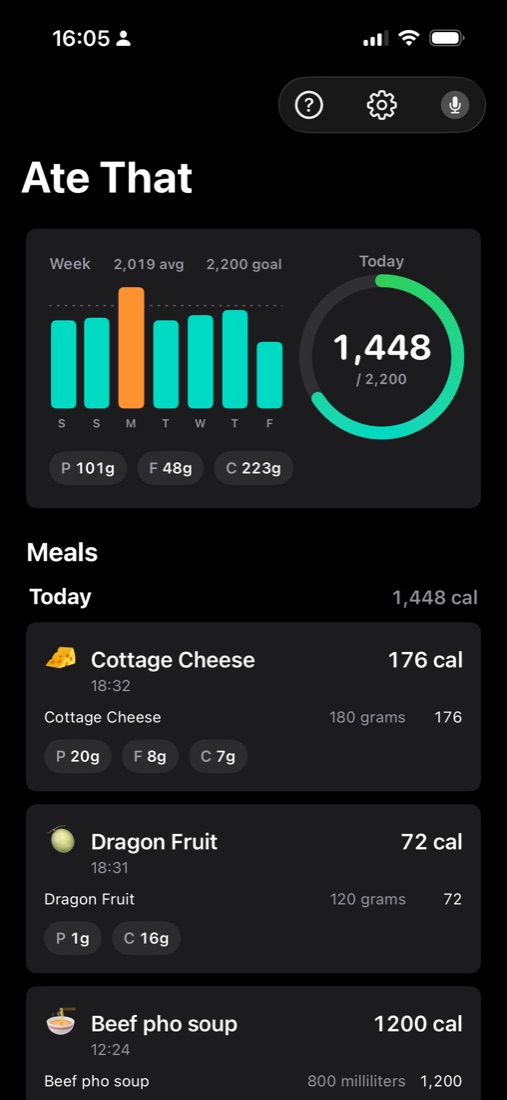
The app estimates calories, protein, fat, carbs, and alcohol. It treats calorie tracking as an approximation — because portions, labels, and recipes are approximate too.
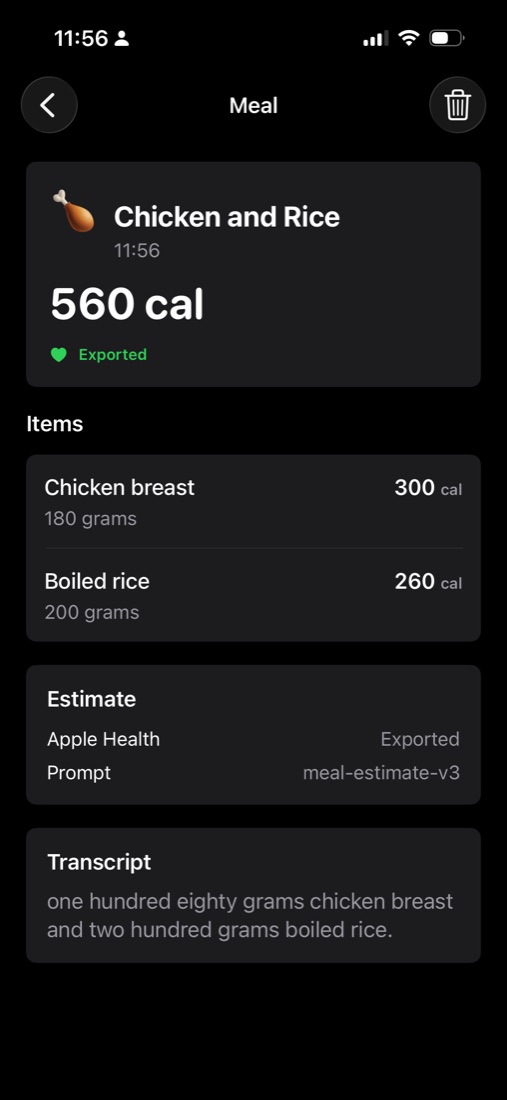
Open meal details to inspect the transcript and item breakdown. Edit meals by voice, adjust the meal time, or delete entries that don’t belong.
Built for iPhone
Logging starts from the places iPhone users already reach for: Action Button, Control Center, Dynamic Island, Lock Screen, and the app home screen.
Trust the record
Each meal shows the item breakdown, total calories, nutrients, transcript, Apple Health export status, and prompt version metadata. The point isn’t perfect math — it’s a clear, reviewable record.
Privacy
Your meal history stays on your iPhone. Sign in with Apple secures access to Ate That's service. When you submit a meal, the service sends the recording and relevant meal context to OpenAI for transcription and estimation. Ate That does not retain submitted recordings.
Account-linked transcripts, structured results, request details, and private food preferences are retained until you delete your account. Apple Health export remains optional and is not sent to Ate That's servers or OpenAI.
Read the privacy policy
Support
Send feedback to Thalassa Softwaraki LTD. Include your iPhone model, iOS version, and what you were trying to log if the issue is about recognition or estimates.
ops@thalassa.dev